 WhatSync
How to find your access link
The WhatSync app in Attio asks for a private access link. It is in your dashboard, and it takes about a minute to find.
Open your WhatSync dashboard
Sign in with the same email you used to connect WhatsApp.
Find the Your Access Link card
It holds a private link made for your account.
Copy it into Attio
Paste it into the WhatSync window in Attio to finish setup.
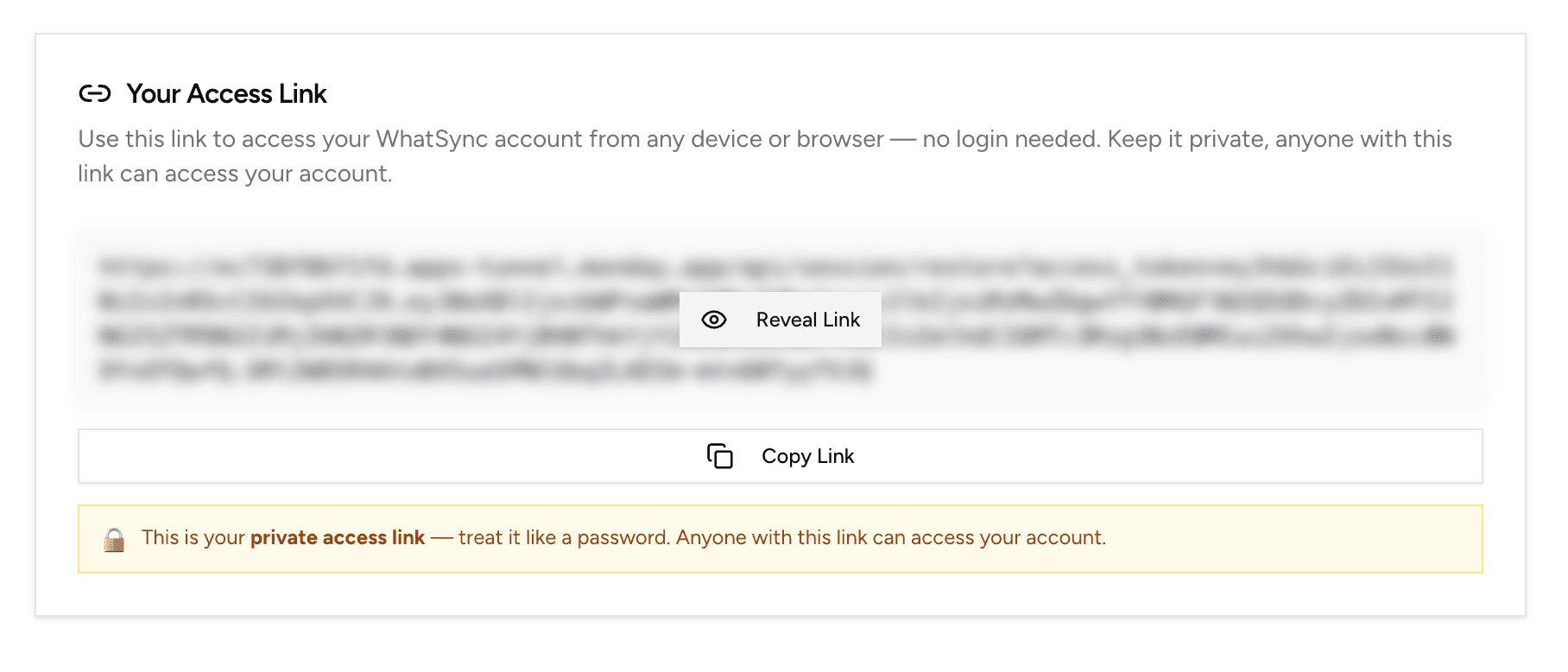
Keep the link to yourself
Anyone with the link can open your WhatSync account. Paste it only into Attio, and do not send it by email or chat, including to us.